
Chapter 03: Purchases & Lot Arrivals (सब्जी खरीद व आवक)
Every morning, vegetables arrive at your shop from farmers, cold storages, outstation trucks, or wholesale suppliers. The Quick Purchase screen helps you record every incoming lot in seconds so your stock is updated and your supplier khata is always accurate.
🚚 1. Overview of the Purchase Screen#
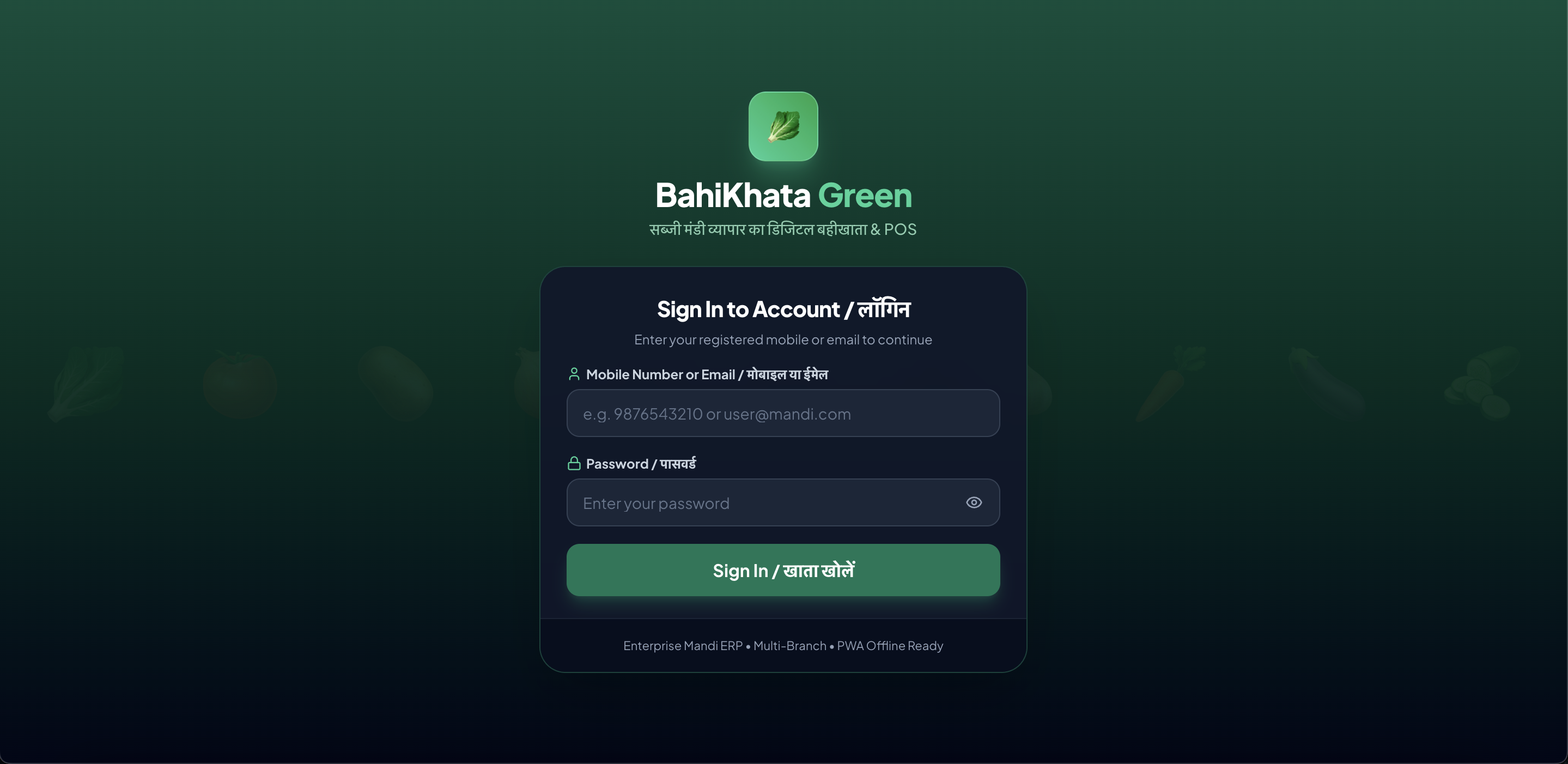 🖥️ Desktop Web View
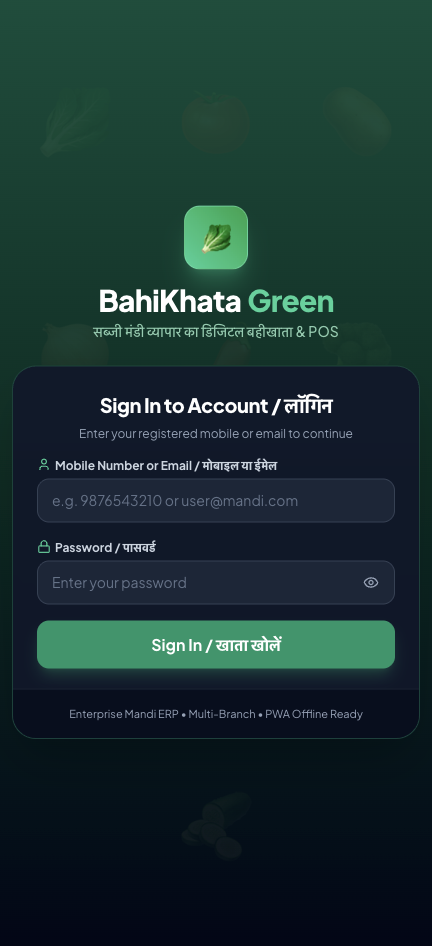 📱 Mobile App View
The Purchase screen allows you to:
- Select the Farmer / Supplier who brought the produce.
- Enter the Vegetables, Total Weight, Number of Bags/Crates, and purchase rate.
- Deduct or add Labor (हम्माली), Commission (कमीशन), and Freight/Transport (भाड़ा).
- Record how much cash you paid to the farmer upfront and how much remains due.
- Print a purchase slip or send a digital receipt to the farmer on WhatsApp.
📝 2. Step-by-Step Guide: How to Record an Incoming Lot#
graph TD
    A[1. Select Farmer / Supplier] --> B[2. Add Incoming Vegetables & Weights]
    B --> C[3. Add Labor, Freight & Commission]
    C --> D[4. Record Advance or Cash Paid]
    D --> E[5. Save & Send Slip to Farmer]
Step 1: Select the Supplier / Farmer (सप्लायर या किसान चुनें)#
- Click the Supplier Name box.
- Type the farmer's name or phone number and select them from the list.
- To add a new farmer right now: Click the
+ New Supplierbutton. Enter their Name, Phone Number, and Village/Address, and click Save. They will be selected immediately!
Step 2: Add Incoming Vegetables (सब्जियां जोड़ें)#
📸 Screenshot Placeholder:
'Add Inward Vegetable' dialog showing item search, emoji picker, quantity input (e.g. 50 crates / 1250 kg), purchase price per kg, and total purchase calculation.
- Click the "+ Add Item (सब्जी जोड़ें)" button.
- Select or search for the vegetable (e.g., 🍅 Tomato, 🥔 Potato, 🧄 Garlic).
- Enter the Total Quantity / Weight (मात्रा या वजन):
(e.g.,1200kg or50crates). - Enter the Purchase Rate (खरीद भाव / प्रति किलो या बोरी):
(e.g.,₹18per kg). - Click "Add to Purchase".
- Repeat if the farmer brought multiple items (e.g. Tomatoes + Cauliflower + Green Chilli).
Step 3: Enter Mandi Inward Charges & Expenses#
Click on "Mandi Charges & Freight (हम्माली, कमीशन व भाड़ा)" to record standard inward deductions or expenses:
📸 Screenshot Placeholder:
Inward Mandi Charges box showing fields for Commission %, Labor Cost (हम्माली), Freight / Transport (गाड़ी भाड़ा), and Market Fee.
- Labor / Hammaali (हम्माली / उतराई): Total loading/unloading fee for this lot (e.g. ₹5 per bag).
- Commission % (आढ़त / कमीशन): If you charge commission from the farmer (e.g. 5% or 6%).
- Freight / Transport (गाड़ी भाड़ा): If you paid the truck driver on behalf of the farmer, enter it here so it is properly accounted for in the farmer's net payout.
Step 4: Record Payment to the Farmer (भुगतान दर्ज करें)#
Look at the Net Payable Amount calculated at the bottom:
- Case 1: Paid Full Cash on the Spot: Type the full amount in the Paid Amount box (or click "Full Cash").
- Case 2: Paid Advance / Partial Cash:
Example: Farmer's total produce value is ₹15,000. You gave him ₹5,000 cash in the morning.
👉 Type5000in the Paid Amount box.
👉 The remaining ₹10,000 is automatically added to the Farmer's Payable Khata! - Case 3: Full Credit (Payment after evening sales): Leave the Paid Amount box as
0.
Step 5: Save & Send Purchase Slip#
Choose your preferred action:
- 🟢 Save & WhatsApp Slip: Saves the purchase and sends a clean inward slip directly to the farmer's WhatsApp phone number.
- 🖨️ Save & Print Voucher: Prints a paper purchase slip for the farmer or your godown file.
- 💾 Save Purchase: Saves the lot quietly into your ledger.
🌾 3. Sample WhatsApp Purchase Slip for Farmer#
🚚 *VEGETABLE INWARD LOT SLIP / आवक पर्ची*
━━━━━━━━━━━━━━━━━━━━━━
🏪 *Shree Ganesh Vegetable Traders*
📍 Shop No. 14, APMC Fruit & Veg Mandi
📞 98765-43210
━━━━━━━━━━━━━━━━━━━━━━
👨🌾 *Farmer / Supplier:* Baldev Singh (Punjab)
📅 *Date:* 31 Aug 2026, 05:30 AM
🔢 *Purchase Lot #:* PUR-20260831-0012
━━━━━━━━━━━━━━━━━━━━━━
📦 *VEGETABLE LOT DETAILS:*
1. 🥔 Potato (3797 Grade): 100 Bags (5,000 kg) @ ₹16/kg = ₹80,000.00
━━━━━━━━━━━━━━━━━━━━━━
Gross Amount: ₹80,000.00
Deductions:
- Commission (5%): -₹4,000.00
- Unloading / Labor (100 Bags): -₹1,000.00
- Truck Freight Paid: -₹5,000.00
━━━━━━━━━━━━━━━━━━━━━━
*Net Farmer Amount: ₹70,000.00*
💵 *Cash Paid Today:* ₹20,000.00
🔴 *Balance Payable (बाकी देय राशि):* ₹50,000.00
━━━━━━━━━━━━━━━━━━━━━━
_Lot received in good condition._
📈 4. How Purchases Automatically Update Your Stock#
When you save a purchase:
- Live Stock Increases: If you had 200 kg of onions in stock and you purchase 500 kg, your stock screen will immediately show 700 kg.
- Cost Price Updates: The app automatically updates the average cost price of the vegetable so your profit reports are accurate.
- Supplier Ledger Updates: If you did not pay the full amount, the supplier's balance is updated in your Suppliers (सप्लायर) tab.
📜 5. Viewing Inward History & Re-printing Slips#
To see all vegetable lots purchased today or on past dates:
- Click the "Purchase History (खरीद इतिहास)" tab at the top of the Quick Purchase page.
- You can search by supplier name or select a date filter.
- Click 👁️ View to see the full breakdown or 🖨️ Print to re-print the voucher.
❓ Frequently Asked Questions (FAQ)#
Q1: What if a farmer brings produce with weight loss or dirt deduction (छंटाई/कटाव)?
Simply enter the Net Weight (actual accepted weight after dirt/spoilage deduction) when entering the item. If there is a cash deduction, enter it in the Discount/Deduction field.
Q2: Can I record purchases from multiple farmers in one single bill?
No. It is best practice in mandi accounting to create a separate purchase entry for each farmer so each person has their own clean ledger and receipt.
Q3: How do I settle the farmer's remaining balance later in the evening?
Go to the Suppliers (सप्लायर) tab, open the farmer's profile, and click "Record Payment" or "Settle Lot". Learn more in Chapter 05: Supplier Management & Ledger.
➡️ Next Step:#
Now that you know how to buy and sell vegetables, let's learn how to manage your customer khata and collect udhar! Go to Chapter 04: Customer Management & Khata.