
Chapter 07: Vegetable Wastage & Spoilage (सब्जी खराबी व छंटाई)
In the green vegetable and fruit business, spoilage is a daily reality. Tomatoes get crushed in transit, leafy vegetables dry out in the afternoon sun, and potatoes can get cut during harvest.
BahiKhata Green makes it easy to log every kilogram of discarded produce so you always know your real net profit and avoid confusion during stock counting.
🗑️ 1. Why You Must Log Wastage#
⚠️ Common Mistake in Mandi Trade:
If you buy 1,000 kg of tomatoes and sell 900 kg, where did the other 100 kg go?
If you don't record that 100 kg rotted and was thrown away, your stock will falsely show 100 kg remaining, making it look like someone stole cash or vegetables!
Benefits of logging wastage:#
- Accurate Stock: Keeps your live stock numbers 100% matched with what is physically lying in your shop.
- Accurate Profit Calculation: The cost price of spoiled vegetables is automatically accounted for in your Net Profit & Loss report.
- Supplier Quality Tracking: Identify if a specific farmer or cold storage consistently sends inferior or rotten lots.
📝 2. Step-by-Step: How to Record Wastage#
Click on "Wastage (खराबी)" in the navigation menu:
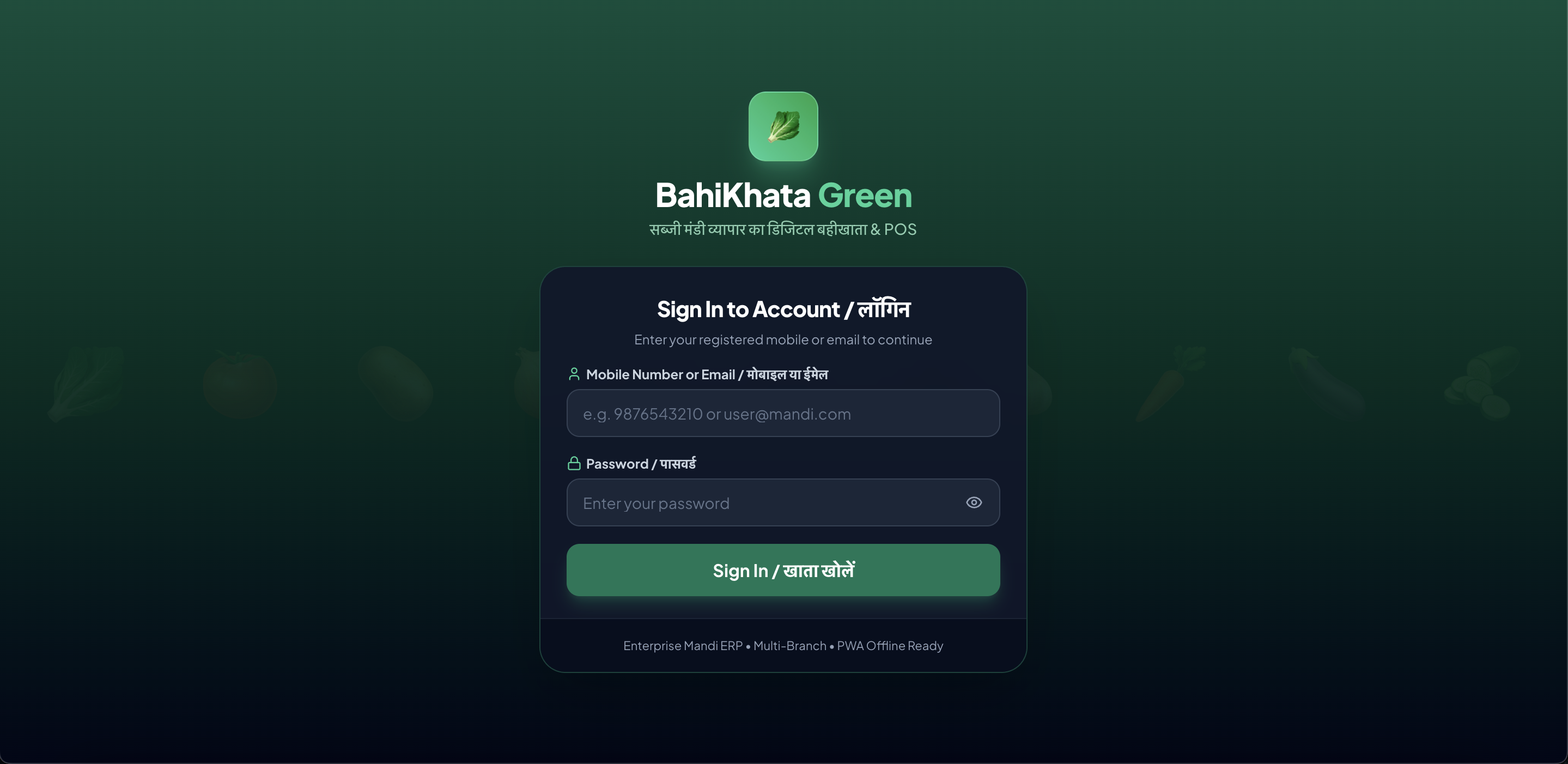 🖥️ Desktop Web View
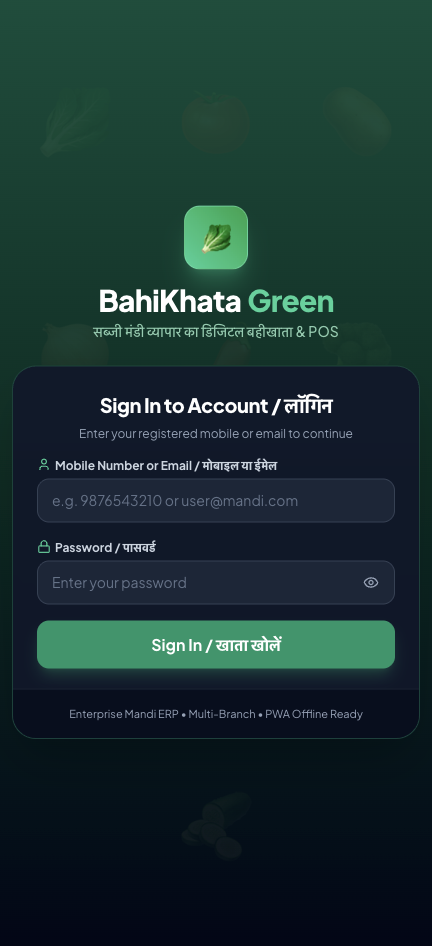 📱 Mobile App View
Step 1: Select the Vegetable (सब्जी चुनें)#
Click the vegetable dropdown and select the item (e.g. 🍅 Tomato / टमाटर).
Step 2: Enter the Discarded Weight (खराब मात्रा दर्ज करें)#
Enter the exact weight or count thrown away (e.g. 25 kg or 2 crates).
Step 3: Select the Reason (खराबी का कारण)#
Choose the most accurate reason from the list:
- Rotten / Spoilage (सड़न / सड़ा हुआ): Overripe or decomposed produce.
- Sorting & Grading Loss (छंटाई / कटाई): Undersized, insect-damaged, or rejected parts during grading.
- Transit / Handling Damage (दबना / लोडिंग नुकसान): Crushed in truck or crate handling.
- Moisture Loss / Drying (सूखना / वजन घटना): Weight reduction due to heat.
- Expired / Off-Season: Leftover unsold produce.
Step 4: Add Optional Note#
You can write a short note (e.g. Bottom layer of crates was crushed in morning truck).
Step 5: Click "Record Wastage (खराबी दर्ज करें)"#
The app will confirm: "Wastage logged for Tomato!"
📜 3. Wastage History & Spoilage Log#
Below the form, you will find the Wastage Log Table:
- Shows Date & Time of each entry.
- Vegetable name and emoji.
- Quantity discarded (in kg or crates).
- Reason and staff name who logged it.
📊 4. How Wastage Affects Your Profit#
When you look at your Profit & Loss Report (in Chapter 10):
$$\text{Gross Profit} = \text{Total Sales Revenue} - \text{Cost of Sold Produce}$$
$$\text{Net Profit} = \text{Gross Profit} - \text{Daily Expenses} - \mathbf{Wastage\ Cost}$$
Because the system tracks the purchase cost of each vegetable, it automatically calculates the exact rupee value lost due to spoilage!
❓ Frequently Asked Questions (FAQ)#
Q1: Can I record wastage while offline without internet?
Yes! If you are in the godown with no mobile signal, enter the wastage as usual. The app saves it locally and syncs it to your ledger as soon as you step back into network coverage.
Q2: What if we sell slightly damaged vegetables at a cheap discount instead of throwing them away?
Do NOT log that as wastage. Simply go to Quick Sale, select the vegetable, and enter the discounted sale rate (e.g. selling second-grade tomatoes for ₹10/kg instead of ₹30/kg). The sale is recorded normally!
Q3: How do I know which vegetable has the highest spoilage in my shop?
Go to Reports (रिपोर्ट) and view the daily or monthly summary. It lists total wastage weight and value for each vegetable so you can decide which suppliers to buy from.
➡️ Next Step:#
Now let's learn how to track general payments, cash receipts, and supplier payouts! Go to Chapter 08: Payments & Cash Flow.